











At Consumer Direct Care Network Washington (CDWA), we’re committed to sharing tips and resources to
make time entry simple. This post highlights how to correct or remove a shift.
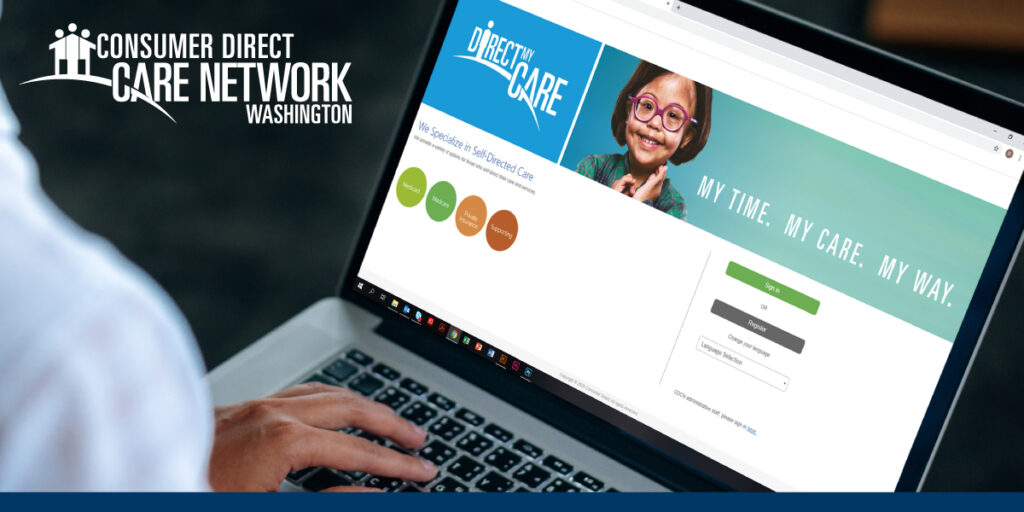
If you enter a shift incorrectly, you can correct or remove the shift in the DirectMyCare portal. This
works for all shifts, regardless of how you originally entered the shift.*
We created a short video and a guide to help you navigate the process.
Watch the Video (https://vimeo.com/794582794)
Review the Guide (https://staging-prod-wa.cdcndevelopment.com/wp-content/uploads/sites/18/2025/11/Shift-Corrections-20230126.pdf)
*If you need to correct or remove a shift that was originally entered using the CareAttend mobile app, you
must make your adjustments within 24 hours.